
One platform for your occupational safety work

Workplace safety.Well prepared.

Prepare risk assessments, hazardous substance operating instructions and safety training with AI. Editable Excel, Word or PowerPoint files – all in one account.

  • Editable files
  • One shared balance

For employers and safety professionals. Review and adapt every draft to the actual workplace.

Two people reviewing documents on a laptop in a bright workshop

For your everyday work.

Three tools. One place to start.

XLSXDOCXPPTX

Three ways to your next draft

Which document do you need?

Start with your current task. Check the requirements, output format and cost before creating a document.

XLSXA look at the sample
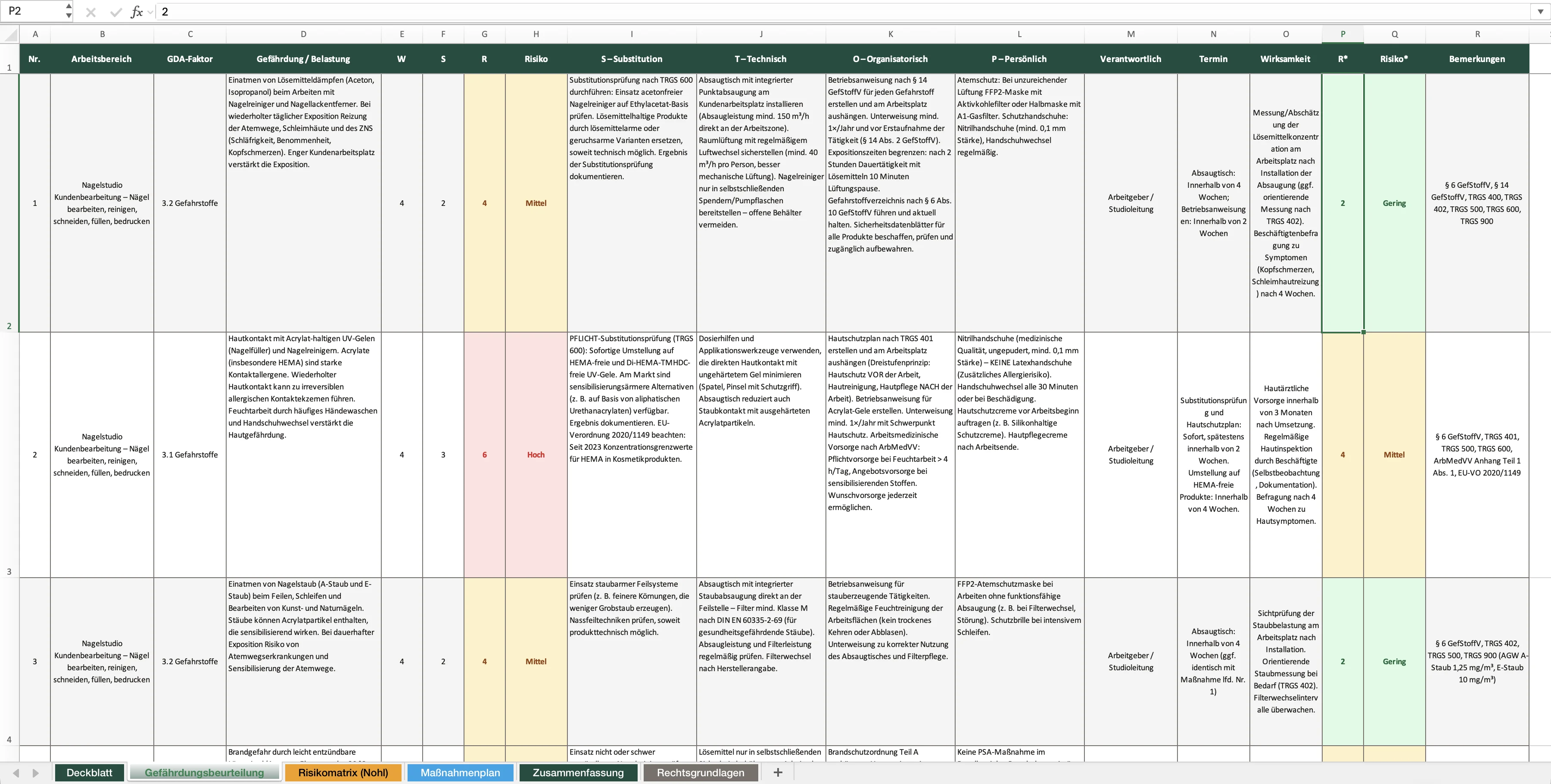
Excerpt from the sample risk assessment spreadsheet

Risk assessment

Describe your activities, identify hazards and prepare a structured action plan.

You provide
Details of your workplace and activities
You receive
Editable Excel with risk ratings and an action plan

€49for the matching entry package

5 safety coins per draft

Start your GBU preview

View your personal preview; unlock the full draft when you are ready.
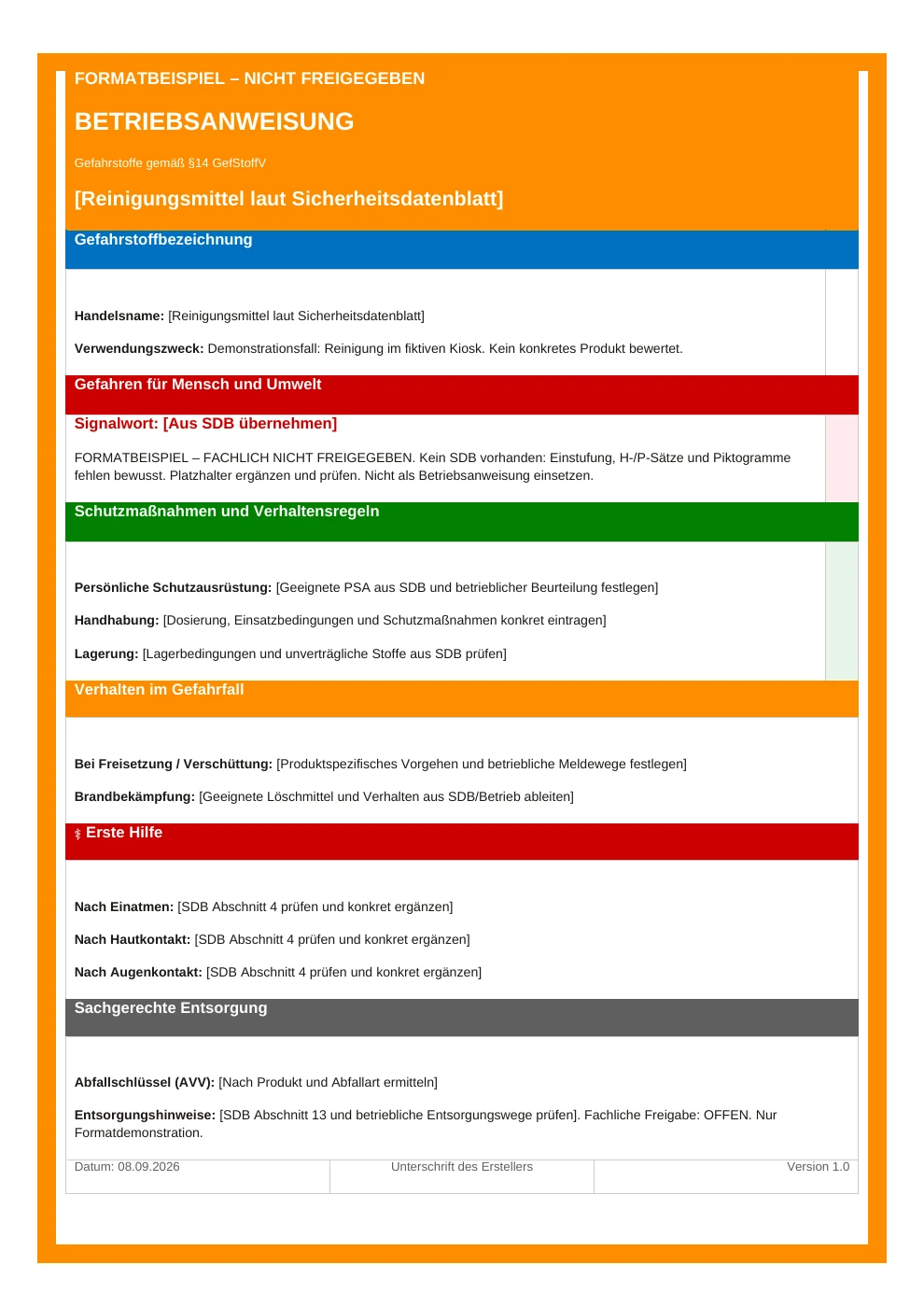
DOCXA look at the sample
Hazardous substance operating instruction format example, not professionally approved

Operating instructions

Turn your safety data sheet into a hazardous substance instruction draft for workplace review.

You provide
Current safety data sheet as PDF (max. 10 MB)
You receive
Editable Word document (DOCX)

€99for the matching entry package

10 safety coins per draft

Start operating instructions

For hazardous substances. Add workplace details and obtain professional review.

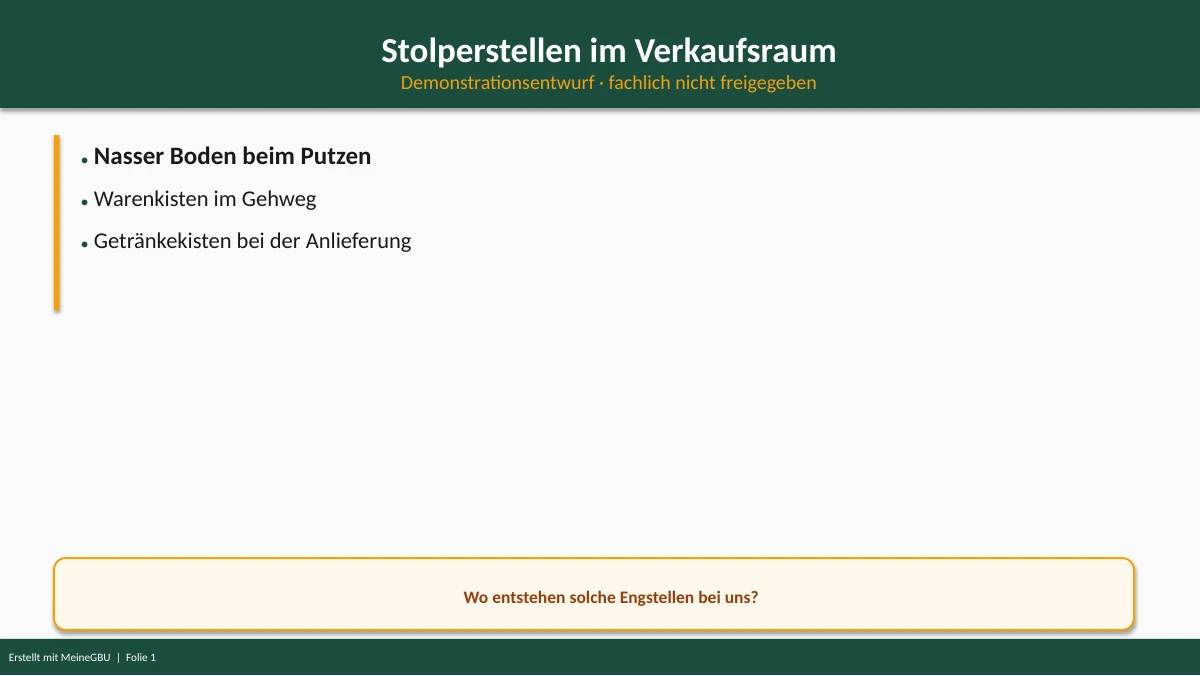
PPTXA look at the sample
Example safety training slide, not professionally approved

Safety training

Prepare a slide deck from your MeineGBU assessment to support training your team.

You provide
MeineGBU Excel file or completed MeineGBU assessment
You receive
Editable PowerPoint presentation (PPTX)

€99for the matching entry package

10 safety coins per draft

Prepare safety training

Presentation draft. Organise the training and its records through your workplace process.

Free examples without registration. Drafts for professional review, not approved workplace documents. Examples are in German.

All prices & safety coins

From your information to a draft

From source information to an editable draft

All three tools share one account. Choose the document that fits your current task.

AI prepares the draft. You stay in control.

Review, adapt and approve the document for your workplace. Your expertise stays part of the process.

  1. 01

    Choose your starting point

    Workplace information for a GBU, a safety data sheet for hazardous substance instructions, or MeineGBU Excel for a training presentation.

  2. 02

    Generate an AI draft

    Document creation uses your safety-coin balance. You can view a personal preview of your GBU before unlocking the complete draft.

  3. 03

    Review it for workplace use

    Adapt the content to the workplace, obtain professional review and arrange approval. Use the editable files in your established processes.

Sample AI draft

Inspect the output before signing up

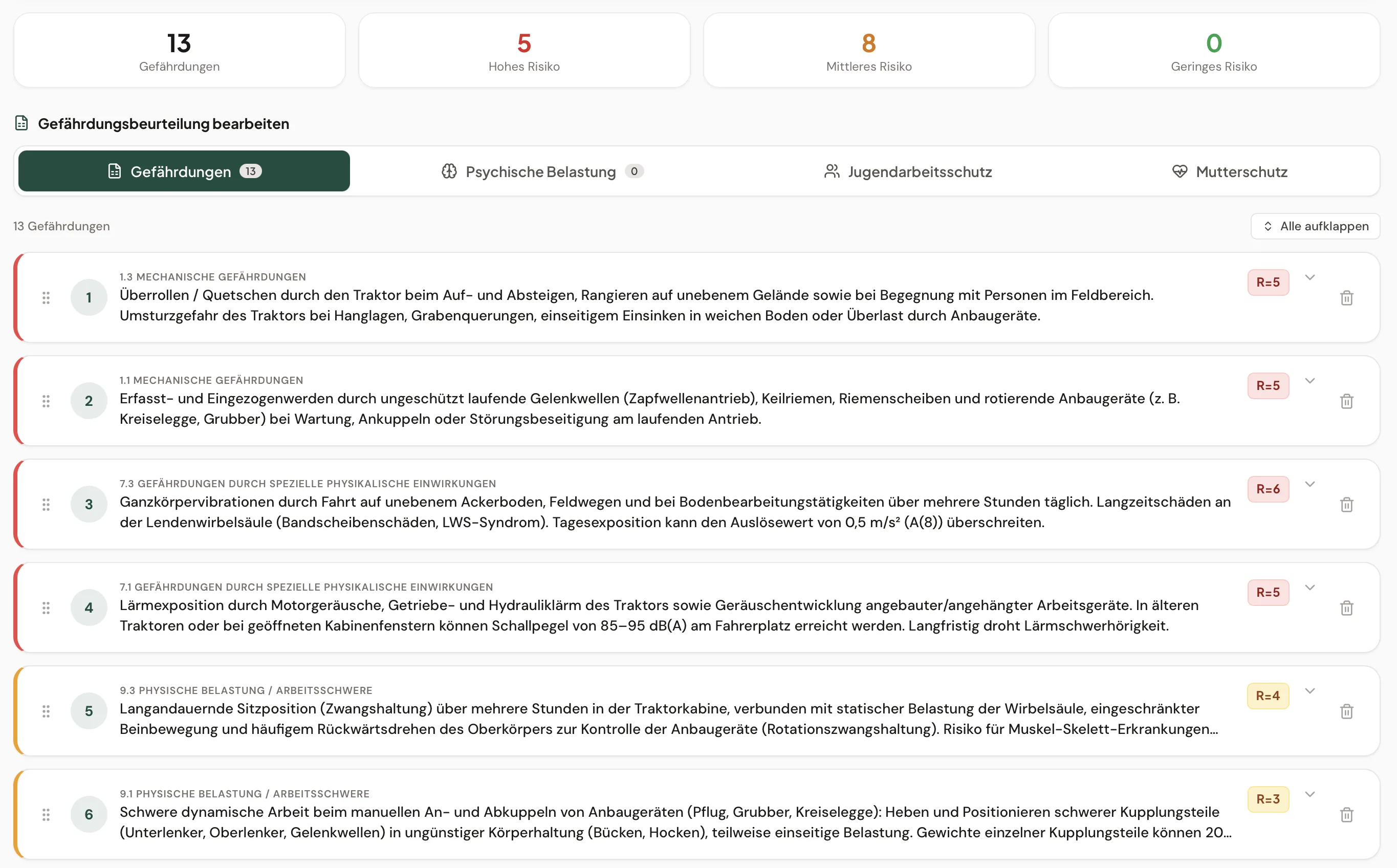
An unreviewed MeineGBU draft for a kiosk. Explore the tabs and download the complete Excel file without signing up. Before use, a competent person must check the details, risks and measures against the actual workplace.

Download kiosk example (.xlsx)

Free, without email or registration. This example shows the output structure; adapt and professionally review your own workplace assessment.

One platform. Two starting points.

For your own business

Identify what information you need, see a real example and get an editable draft. Add professional support when your own expertise is not sufficient.

GBU for employers

For safety professionals

Explore a possible client workflow with an editable Excel draft. Review hazards and measures yourself; clarify client use and handover rights before using it commercially.

Explore the professional workflow

From professional practice

Read an external practical review

Filip Kopta

Filip Kopta

Safety professional · LinkedIn article, 5 May 2026

Filip Kopta published an account of testing MeineGBU and moving from a risk assessment to training preparation. Read his experience on LinkedIn.

Read the review on LinkedIn

One account. Three tools. A clear starting point.

Common questions about the shared platform.

Do I need separate MeineBA and MeineUnterweisung accounts?

No. MeineBA and MeineUnterweisung are MeineGBU products. Use the same account and safety-coin balance for all three document types.

Can I create operating instructions without creating a GBU first?

You can start a hazardous substance instruction draft directly with a PDF safety data sheet. Workplace information and protective measures must then be checked and completed. The draft does not replace a required risk assessment.

What do I need for safety training?

The presentation is generated from a completed MeineGBU assessment or a compatible MeineGBU Excel file. You receive editable PowerPoint slides. The actual training and its documentation remain the employer’s responsibility.

What can I try before buying?

All three examples are available without registration. Your own risk assessment also has a personal preview. Complete documents are unlocked or created using safety coins.

Are the documents ready for immediate use?

The results are AI drafts. A competent person must check them against actual workplace conditions and adapt them where needed. An additional safety professional review is available for the GBU.

Start your next occupational safety document here.

Choose a GBU, operating instructions or a training presentation. One account covers all three.

Choose your document